

In-app purchases (IAPs) have become a fundamental aspect of the mobile app economy, enabling users to purchase digital content, virtual goods, and premium features directly within mobile applications. For app developers and publishers, ensuring the seamless functionality and reliability of in-app purchases is essential for maximizing revenue, retaining users, and delivering a positive user experience. In this comprehensive guide, we’ll explore the best practices and strategies for testing in-app purchases effectively, covering key concepts, testing methodologies, tools, and considerations to help you validate and optimize the in-app purchase experience for your mobile applications.
Understanding In-App Purchases
In-app purchases refer to the sale of digital goods or services within a mobile application, allowing users to unlock premium content, remove ads, access additional features, or make virtual currency purchases. In the context of mobile app monetization, in-app purchases play a significant role in generating revenue for app developers and publishers, offering a convenient and frictionless way for users to make purchases directly within the app.
Key Concepts in In-App Purchase Testing
1. Purchase Flows
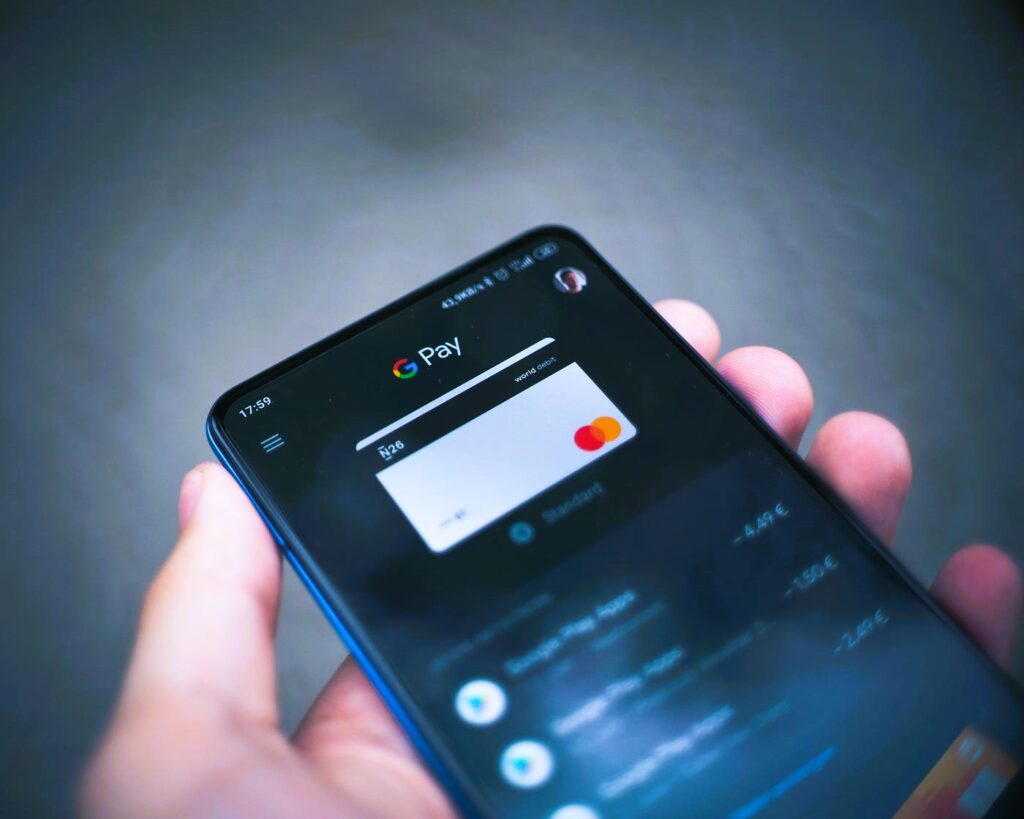
In-app purchase testing involves evaluating the entire purchase flow, from browsing available items to completing the purchase transaction. Key elements of the purchase flow include:
- Product Catalog: The list of available items for purchase, including their names, descriptions, prices, and images.
- Purchase Process: The steps required to initiate, authorize, and confirm a purchase, including payment methods, billing information, and confirmation messages.
- Transaction Handling: The handling of purchase transactions, including processing payments, updating user accounts, and delivering purchased items.
2. Payment Processing
Testing payment processing is crucial to ensure the security, reliability, and accuracy of payment transactions. Key aspects of payment processing testing include:
- Payment Gateways: Testing integration with payment gateways and third-party payment processors to ensure seamless payment processing.
- Currency and Pricing: Testing currency conversion, pricing accuracy, and tax calculations to ensure that users are charged correctly for their purchases.
- Error Handling: Testing error handling and edge cases, such as declined payments, payment timeouts, and network errors, to ensure graceful error recovery and user feedback.
3. User Experience
Testing the user experience of in-app purchases is essential for delivering a seamless and intuitive purchasing experience. Key aspects of user experience testing include:
- Navigation and Usability: Testing the navigation flow and usability of the in-app purchase interface, including ease of browsing, searching, and filtering available items. Did you like the article? Read also about Creating a test plan.
- Clarity and Transparency: Testing the clarity and transparency of pricing, terms, and conditions associated with in-app purchases to ensure that users have clear expectations.
- Accessibility: Testing the accessibility of the in-app purchase interface for users with disabilities, including support for screen readers, magnification, and alternative input methods.
Strategies for Testing In-App Purchases Effectively
1. Test Across Different Devices and Platforms
Test in-app purchases across a variety of devices, operating systems, and platforms to ensure compatibility and consistency. Consider testing on different devices with varying screen sizes, resolutions, and hardware configurations to identify any device-specific issues or discrepancies.
2. Test in Different Network Conditions
Test in-app purchases under different network conditions, including varying levels of network connectivity, latency, and reliability. Evaluate the performance and reliability of in-app purchases under 3G, 4G, and Wi-Fi networks, as well as offline scenarios, to ensure that purchases can be completed seamlessly regardless of network conditions.
3. Test with Real Payment Methods
Use real payment methods, such as credit cards, debit cards, and digital wallets, to conduct in-app purchase testing. Test with different payment methods and currencies to ensure that users can make purchases using their preferred payment options, and verify that payment processing is secure and compliant with industry standards and regulations.
4. Implement Automated Testing
Implement automated testing frameworks and scripts to streamline the testing process and ensure consistent and repeatable results. Use automation tools to simulate user interactions, navigate through the purchase flow, and verify the correctness of purchase transactions automatically. Automated testing can help identify regression issues and ensure that in-app purchases remain functional across multiple app releases and updates.
Considerations for In-App Purchase Testing
1. Security and Compliance
Ensure that in-app purchase testing complies with security standards, regulations, and best practices for handling sensitive user data and payment information. Implement encryption, tokenization, and other security measures to protect user privacy and prevent unauthorized access to payment data.
2. Performance and Scalability
Test the performance and scalability of in-app purchases to ensure that the application can handle concurrent purchase transactions and high traffic volumes without degradation in performance. Monitor system resources, response times, and transaction throughput during load testing to identify performance bottlenecks and optimize system performance.
3. Integration Testing
Integrate in-app purchase testing with other components of the app ecosystem, such as user accounts, inventory management systems, and analytics platforms. Test end-to-end purchase scenarios to ensure seamless integration with backend systems and validate the correctness of purchase-related data and events.
Tools for In-App Purchase Testing
Several tools and platforms are available to facilitate in-app purchase testing, including:
- Appium: An open-source automation framework for testing mobile applications across different platforms and devices.
- Charles Proxy: A web debugging proxy tool that allows you to monitor and intercept network traffic to analyze in-app purchase requests and responses.
- Firebase Test Lab: A cloud-based testing platform that provides real-world testing scenarios for Android and iOS applications, including in-app purchase testing.
Conclusion
Testing in-app purchases effectively is essential for ensuring the reliability, security, and usability of mobile applications. By following the best practices and strategies outlined in this guide, developers can validate and optimize the in-app purchase experience, maximize revenue opportunities, and deliver a seamless user experience to their customers. Effective in-app purchase testing requires thorough planning, execution, and analysis to identify and address potential issues before they impact user satisfaction and business success.