
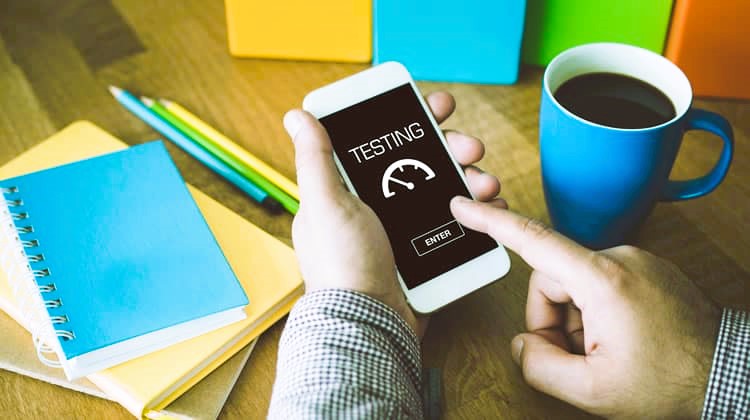
Usability testing is a critical component of mobile app development, allowing developers to evaluate the user experience, identify usability issues, and refine the app’s design to better meet the needs of its users. By conducting usability testing, developers can gain valuable insights into how users interact with their app, uncover areas for improvement, and ultimately create a more intuitive and user-friendly mobile experience. In this article, we’ll explore the process of conducting usability testing for mobile apps, including key steps, best practices, and tools to ensure a successful testing process.
Understanding Usability Testing
Usability testing involves evaluating a product or system by testing it with representative users to assess its ease of use, effectiveness, and user satisfaction. In the context of mobile apps, usability testing focuses on evaluating the app’s interface, navigation, functionality, and overall user experience on mobile devices such as smartphones and tablets. The goal of usability testing is to identify usability issues, gather user feedback, and iteratively improve the app to enhance its usability and user satisfaction.
Key Steps in Conducting Usability Testing for Mobile Apps

1. Define Testing Objectives and Metrics
Before conducting usability testing, it’s essential to define clear objectives and metrics to guide the testing process. Determine what aspects of the app you want to evaluate, such as navigation, task completion, error recovery, or user satisfaction, and establish specific metrics or criteria for assessing usability, such as task success rates, time on task, error rates, and user ratings.
2. Identify User Profiles and Testing Scenarios
Identify the target audience for your app and create user profiles or personas representing different user segments based on demographics, preferences, and usage patterns. Develop realistic testing scenarios or tasks that align with the app’s goals and user objectives, such as registering for an account, searching for a product, making a purchase, or accessing specific features. The role of artificial intelligence in automated testing, read more here.
3. Recruit Test Participants
Recruit representative users from your target audience to participate in the usability testing sessions. Aim for diversity in terms of age, gender, technical proficiency, and mobile device preferences to ensure a broad range of perspectives. Consider using recruitment platforms, user testing services, or in-house user panels to find suitable participants for the usability testing sessions.
4. Conduct Usability Testing Sessions
Conduct usability testing sessions with participants individually or in small groups, depending on your resources and testing objectives. Provide participants with clear instructions and testing scenarios, and encourage them to think aloud as they interact with the app. Observe participants’ behaviors, reactions, and feedback during the testing sessions, and take notes on usability issues, pain points, and areas for improvement.
5. Analyze Results and Identify Usability Issues
After completing the usability testing sessions, analyze the collected data, observations, and feedback to identify usability issues and patterns. Look for common themes or recurring problems that hinder user interaction, navigation, or task completion. Prioritize usability issues based on their severity, impact on the user experience, and frequency of occurrence, and document them in a usability testing report.
6. Iterate and Improve the App Design
Use the findings from the usability testing to iteratively improve the app’s design, functionality, and user experience. Work closely with designers, developers, and stakeholders to address identified usability issues, implement recommended changes, and refine the app based on user feedback. Conduct follow-up usability testing sessions as needed to validate improvements and ensure that usability issues have been effectively resolved.
Best Practices for Usability Testing
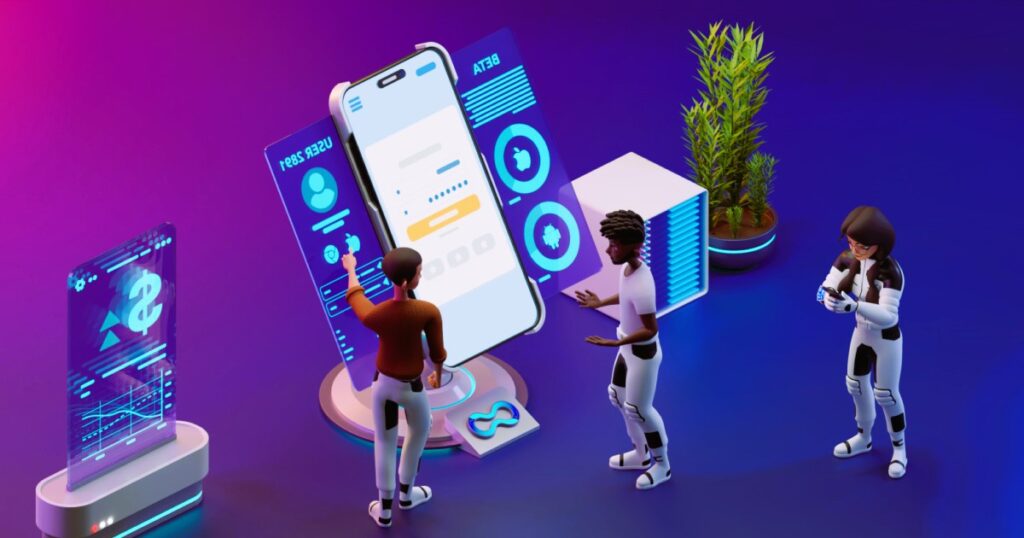
- Start Early: Begin usability testing as early as possible in the app development process to identify usability issues and iterate on the design before finalizing the app.
- Focus on Real-World Scenarios: Design testing scenarios and tasks that reflect real-world usage scenarios and user goals to ensure the relevance and validity of the testing process.
- Encourage Honest Feedback: Create a supportive and non-judgmental testing environment that encourages participants to provide honest feedback and share their thoughts and experiences openly.
- Iterate Iteratively: Use an iterative approach to usability testing, incorporating feedback and making improvements throughout the development lifecycle to continuously enhance the app’s usability and user experience.
Tools for Usability Testing
Several tools and platforms are available to facilitate usability testing for mobile apps, including:
- UserTesting: A platform that allows you to conduct remote usability testing with real users and gather qualitative feedback on your app’s usability.
- UsabilityHub: A tool for running quick and easy usability tests, surveys, and design feedback sessions with targeted user groups.
- Optimal Workshop: A suite of tools for conducting usability testing, including card sorting, tree testing, and first-click testing, to evaluate and optimize your app’s information architecture and navigation.
Conclusion
Usability testing is a crucial aspect of mobile app development, helping developers create apps that are intuitive, user-friendly, and aligned with user needs and expectations. By following the key steps outlined in this article, including defining testing objectives, identifying user profiles, conducting usability testing sessions, analyzing results, and iterating on the app design, developers can ensure that their mobile apps deliver an exceptional user experience that delights and engages users.
For further reading on usability testing methodologies and best practices, you can visit Wikipedia. These resources provide valuable insights, case studies, and tutorials on conducting usability testing for mobile apps.